
My IntraParis is the intranet of the City of Paris, reserved for municipal agents. This platform centralizes administrative procedures related to human resources, the consultation of professional documents, and access to various internal services. For an agent starting their duties, the distinction between the standard IntraParis account and nomadic access determines what they can do from their workstation or from home.
Nomadic authorization on IntraParis: a step separate from account creation
Having an active IntraParis account does not mean being able to connect remotely. Nomadic access is a distinct authorization, which requires a specific request to the IT correspondent of the department to which the agent belongs.
This distinction regularly surprises newcomers. The IntraParis account, assigned upon starting the position, provides access to the platform from a workstation connected to the City’s internal network. To work from home or while traveling, one must obtain the IntraParis Nomadic authorization, validated by a hierarchical circuit specific to each department.
The processing times for this authorization can exceed 48 hours. An agent starting on a Monday and planning to telework at the end of the week should submit their request on the first day. A guide detailing this procedure is available on the J’entreprends Au Féminin portal, with a step-by-step manual tailored for beginners.
Authentication and security of the IntraParis account
The City of Paris is gradually rolling out two-factor authentication (2FA) on IntraParis Nomadic. This rollout occurs department by department, meaning that two agents from different services may not necessarily be subject to the same connection requirements at any given time.
Specifically, if 2FA is activated for your department, you will receive a temporary code on your work phone or via email during each remote login. If it is not yet activated, the login relies on the classic username/password combination.
Best practices from the first login
- Change the temporary password assigned upon starting the position. IntraParis generally requires a format combining uppercase, lowercase, and special characters.
- Ensure that the browser used is up to date. Older versions of Internet Explorer, still present on some workstations, cause display malfunctions on the new interface.
- Note the IT support number for your department before encountering a connection issue, so you don’t have to search for it when access is blocked.
The password recovery procedure goes through the IT correspondent, not through a self-service form like on most public websites. Anticipating this particularity avoids a day without access.
HR features accessible from My IntraParis
The platform brings together services related to the daily administrative management of the agent. Three categories concentrate the majority of uses for a beginner.
Consultation of pay slips and official documents
Digital pay slips are archived on My IntraParis. Each agent can download them in PDF format. Employer certificates and documents related to leave are also accessible from the same space, without having to contact the HR service by mail or email.
Leave requests and balance tracking
The leave management module allows agents to request their days directly online and track validation by their supervisor. The balance of remaining days is displayed in real-time, avoiding back-and-forth with the HR manager.
Access to internal mobility offers
My IntraParis publishes open positions for mobility within the various departments of the City. For an agent at the beginning of their career, regularly consulting this section provides a concrete view of possible career paths without waiting for official publications in paper format.
Navigating the new My IntraParis interface without getting lost
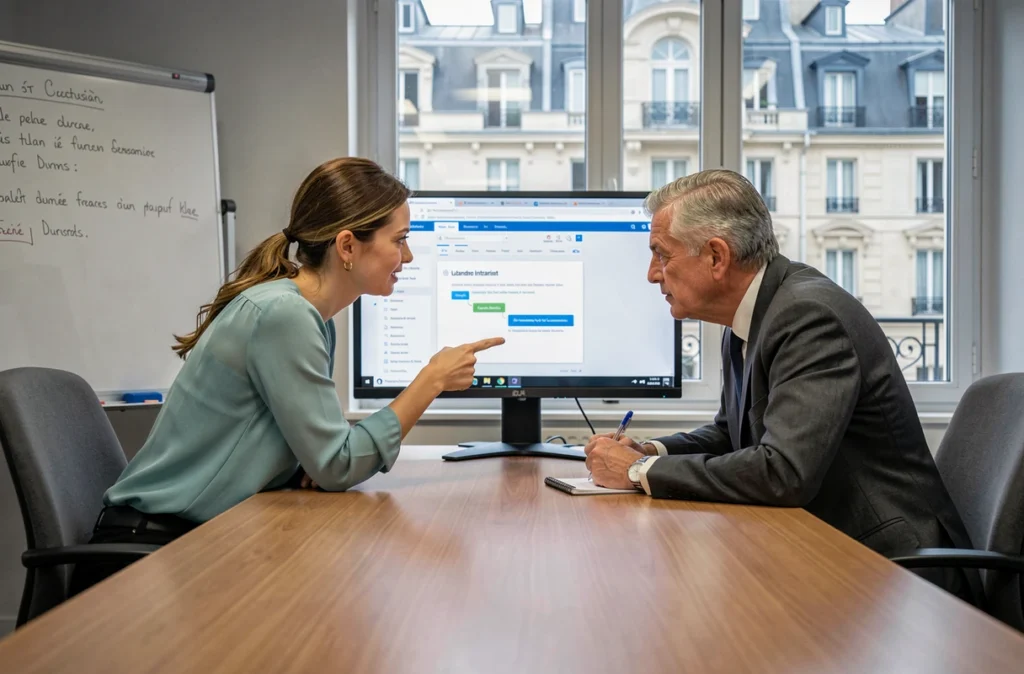
The interface has been redesigned to adopt a thematic organization rather than by administrative departments. This change can confuse agents accustomed to the old version, but simplifies navigation for those discovering the platform.
The main menu groups sections by need: pay, leave, career, training, directory. Each section opens a sub-menu with associated procedures. The search bar at the top of the page works by keywords and returns both practical sheets and forms.
One point of attention: search results sometimes mix outdated documents with updated sheets. Checking the publication date displayed under each result avoids using an expired form or following a procedure that has changed.
The integrated professional messaging system
My IntraParis provides access to the City’s professional messaging system. From the nomadic interface, this messaging works via webmail. Agents using an email client on their desktop must switch to this web version when connecting remotely, which slightly alters their habits (no automatic synchronization of local folders).
The storage capacity of the mailbox is limited. Regularly archiving old or large messages prevents ending up with a full mailbox when receiving an urgent administrative document to process.
My IntraParis remains an evolving tool, with modules gradually deployed according to departments. A beginner agent who understands the distinction between internal access and nomadic authorization, who has secured their password and identified the three or four HR sections they need on a daily basis, already has the autonomy necessary for their first months in the position.